
SHAREit
SHAREit is a free Windows app from the SHAREit Team for moving photos, videos and documents between a PC and a phone. The current version is 5.1.0.7.
22.7 MB

9.0.0.810 · Cisco Systems, Inc. · Page updated
Cisco Packet Tracer is Cisco's network simulation and educational software for building and testing virtual networks on a PC.
Average 0.0 · ratings: 0
Thank you! Your rating is saved; you can change it. Could not save the rating. Please try again later. Too many ratings from your network today. Please try again tomorrow. The average appears after 5 ratings.
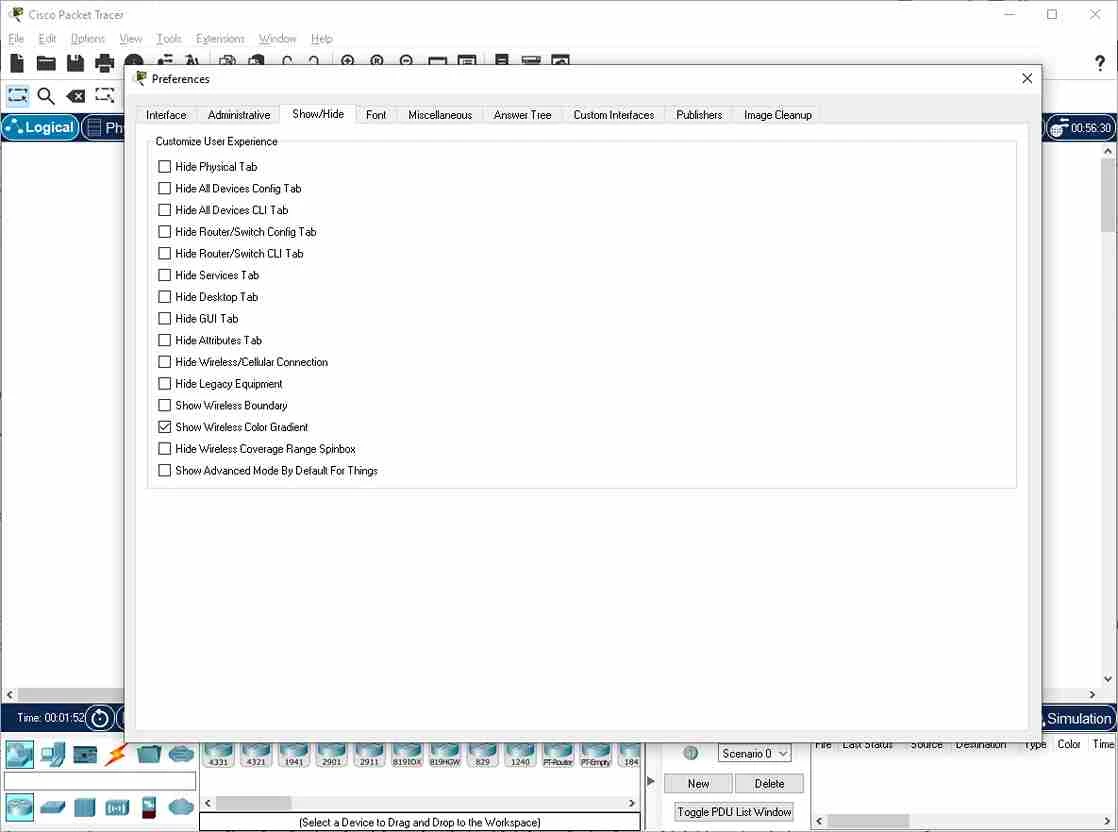
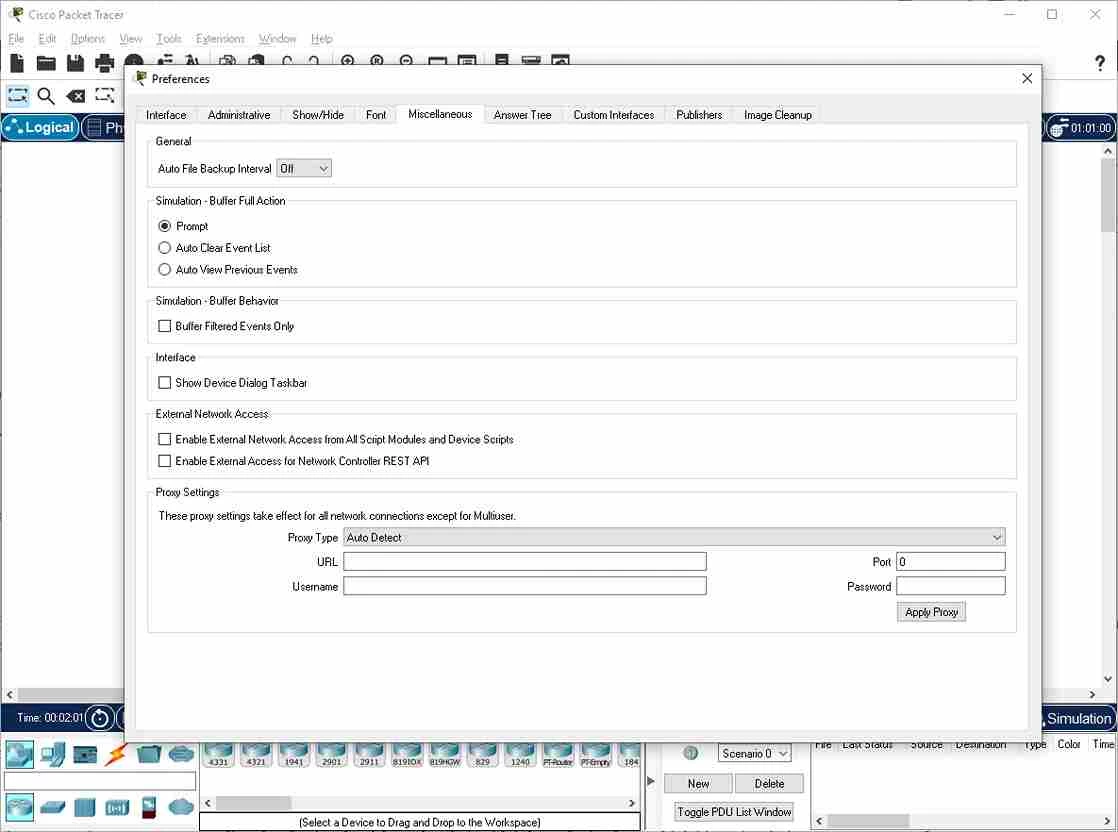
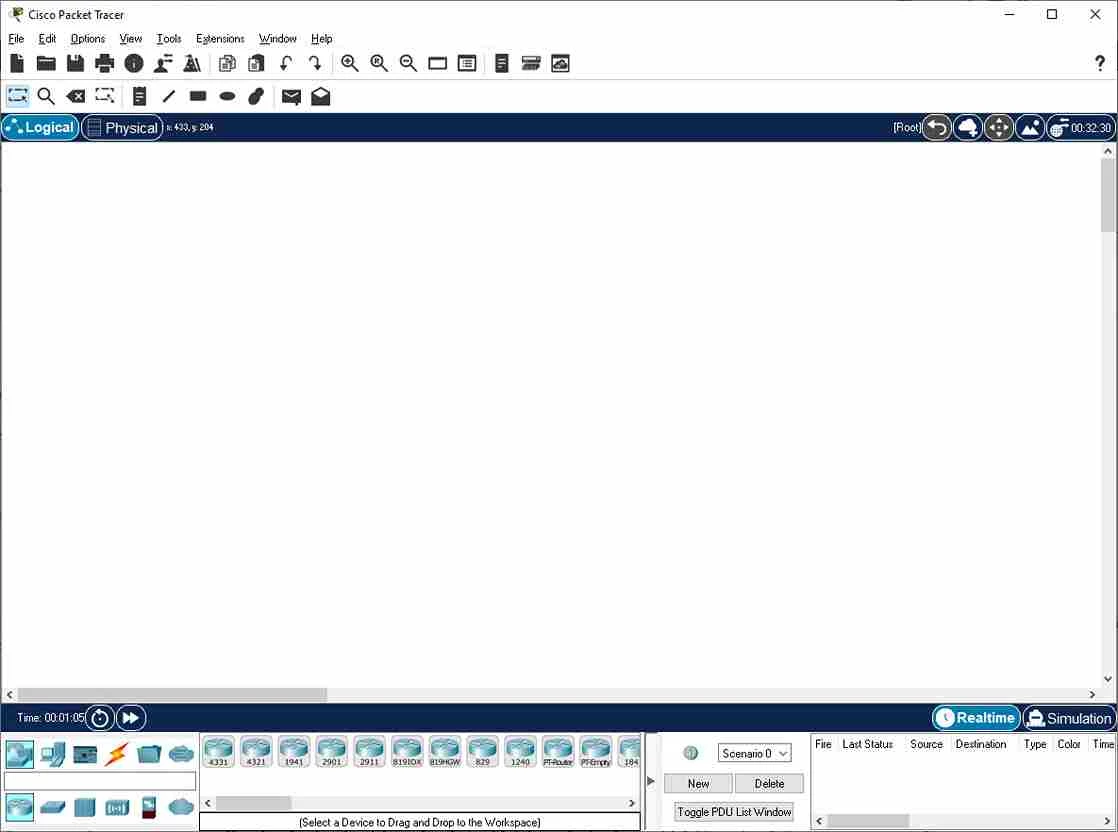
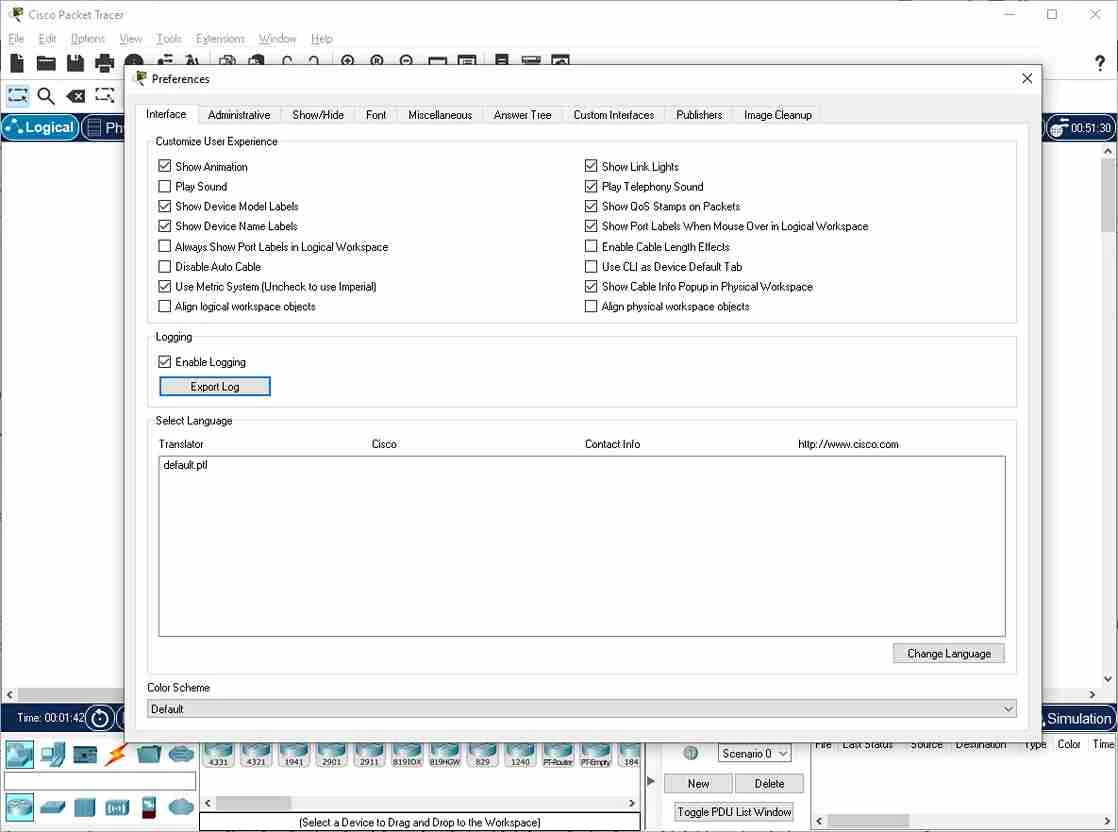
Cisco Packet Tracer 9.0.0.810 is network simulation software from Cisco for Windows. Students and IT beginners use it to build virtual networks of routers, switches and computers and practise configuring them; you can download Cisco Packet Tracer free of charge through the Cisco Networking Academy (NetAcad) website.
| Parameter | Value |
|---|---|
| Version | 9.0.0.810 (9.0.0 line released October 17, 2025) |
| Developer | Cisco Systems, Inc. |
| Type | Network simulator, educational software |
| Platforms | Windows, macOS, GNU/Linux |
| Interface | English, French, German, Spanish, Portuguese, Russian |
| Licence | Proprietary, free with a NetAcad account |
| Size | about 287.02 MB according to catalogue data |
Real network equipment is expensive, and mistakes on a live network can take an office offline. Packet Tracer lets you do the same exercises on a laptop: drag devices onto a workspace, connect them with cables, assign addresses and watch how packets travel between them. It is closely tied to Cisco's courses, so learners preparing for networking certifications, college students in IT programmes and teachers who run lab classes are its core audience. Network administrators also use it to sketch and test an idea before touching real hardware. Because it is a simulator, not a full emulator of device software, some advanced features of real equipment are missing, but for learning the basics of switching, routing and addressing it covers a lot of ground. Earlier versions such as 8.2.2 from March 2024 also exist, so check which version your course expects.
According to the NetAcad Resource Hub:
Save your lab files often and keep them in folders by course chapter, so you can return to a working topology when an exercise goes wrong. Build small networks first and add devices one at a time, testing connectivity after each step. When something does not work, check cables, addresses and interface states in that order. Comparing your configuration with a classmate's is a good way to understand mistakes.
Packet Tracer is free with a NetAcad account. Download it only from netacad.com: older or repackaged installers from file-sharing sites may be outdated or contain malware.
For real networks, our listings include Wireshark for traffic analysis, PuTTY and Tera Term for device consoles, and WinBox for MikroTik routers.
SHAREit is a free Windows app from the SHAREit Team for moving photos, videos and documents between a PC and a phone. The current version is 5.1.0.7.

Zapya for Windows is a free file transfer app from DewMobile for moving files between a PC and phones over a local wireless connection.

Easy Connection to Screen is Samsung's Windows app for showing a PC's screen on a compatible Samsung TV over a wireless connection.

Internet Download Manager (IDM) is a shareware download manager for Windows from Tonec that accelerates, resumes and schedules downloads.

uTorrent (μTorrent) is a small BitTorrent client for Windows from Rainberry (BitTorrent Inc) for downloading and sharing files over torrents.

AnyDesk is a remote desktop application for connecting to and controlling another computer over the internet, from a small Windows program.

ShareMe is Xiaomi's free app for sending files between devices without a cable; on Windows the Android app runs only inside an emulator.

Xender is a free file sharing app from the Xender File Sharing Team for sending files between phones and computers over a local connection.